
01
A Known Set of Devices
The organization can see the printers it has, instead of discovering them when something fails.
Service 03 / Print Fleet Management
A clearer view of the printers the business depends on.
Magico Printing LLC helps organizations organize printer fleets through placement, device mix, usage awareness, and a more consistent way to oversee the devices already in service.

Introduction
A printer fleet is every device the organization relies on: departmental printers, shared multifunction units, and the equipment in back offices or satellite sites. When those devices are added one request at a time, placement and configuration drift apart.
Fleet management is how Magico Printing LLC helps bring that picture together. The work looks at where devices sit, which teams use them, how they are configured, and what should change so the fleet matches the work it has to support.

The environment
Oversight is useful only when devices, placement, access, and the way people print are looked at together.
Department printers, shared multifunction units, and specialty devices. Fleet management starts by knowing what is actually installed.
Where each device sits relative to the people who use it. A fleet view asks whether the current rooms and floors still match the work.
The settings and defaults that should be similar across comparable devices, so support is not a different story on every printer.
A practical picture of the fleet: what exists, who it serves, and what needs attention. Oversight is an operating habit, not a one-time spreadsheet.
The fleet only makes sense against real tasks. Scanning, copying, and shared printing show which devices are doing the work.
Why it matters
An uncounted fleet is hard to support. A structured view makes placement, configuration, and future changes easier to decide.
The organization can see the printers it has, instead of discovering them when something fails.
Devices sit with the departments and shared areas that actually need them.
Similar printers can follow a similar configuration instead of one-off changes.
Underused devices and overloaded ones are easier to spot when the fleet is looked at together.
Maintenance and changes can follow how heavily each area prints.
A new office or team can be added against a fleet pattern that already exists.
Process
The work starts with the devices already in place, then moves through placement, standards, and a review of what the fleet should look like next.
List the printers in scope, where they sit, and which teams depend on them.
Look at how people print, scan, and copy, and where the current placement helps or gets in the way.
Decide what should stay, what should move, and where configuration should be brought into line.
Prepare the moves, settings, and access updates the plan calls for before anything is shifted.
Apply the placement and configuration changes that were agreed for the devices in scope.
Confirm the updated picture: devices in the right places, and a fleet the organization can describe.
Capabilities
Fleet work is about the set of printers, not a single installation. These are the parts that can be included.
Review the printers in place, their locations, and the teams that depend on them.
Suggest where shared and departmental devices should sit based on how work is organized.
Bring comparable devices toward a consistent setup where that helps support and daily use.
Set up a practical way to see the fleet instead of tracking printers only when there is a problem.
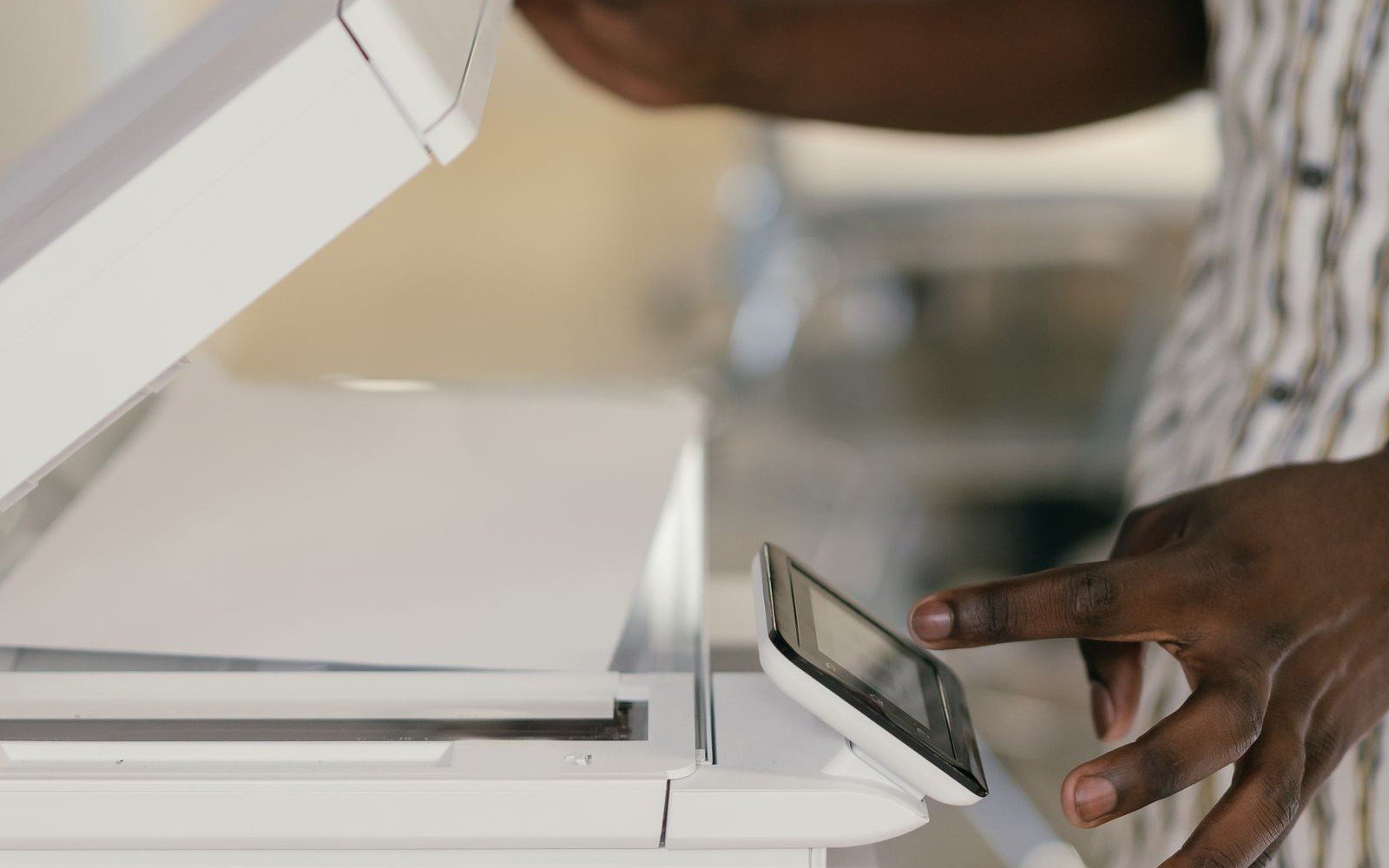
Compare the device mix with printing, scanning, and copying that teams actually do.
Describe printers across more than one location so the fleet can be overseen as one environment.
Environments
The right device mix changes with the workplace. Fleet planning follows how each environment actually prints.

Department and shared printers organized around administrative floors and workgroups.

A device mix suited to administrative and document-heavy healthcare operations.
View industry
Campus and office printers arranged for faculty and administrative teams.
View industry
Printers placed for plant offices and operational documentation.
View industry
One way to describe printers when the business operates in more than one place.
Benefits
When placement and device mix are deliberate, teams can find the right printer and administrators can see the environment they are supporting.
Why Magico
Magico Printing LLC looks at the fleet through business operations: where people print, which devices they share, and how the environment should be organized.
The conversation starts with the fleet in place, not with a single printer in isolation.
What exists, and who uses it, is understood before devices are moved or replaced.
Recommendations follow departments and document tasks, not a generic floor plan.
The same fleet view can cover another office when the organization grows.
Questions
Answers about device oversight, placement, existing fleets, and how to start a conversation.
Print fleet management is the organized oversight of the printers and multifunction devices a business uses. It covers where those devices sit, which teams rely on them, how they are configured, and how the set of devices should change as the work changes.
Devices added one request at a time are easy to lose track of. Similar teams can end up with very different printers, and it becomes harder to see what the organization actually has. A fleet view makes placement and support more deliberate.
Yes. The starting point is often the devices already installed. A review looks at placement, device mix, configuration, and where people have trouble finding or using a printer.
It can. When new devices are part of the work, they are placed against the fleet that already exists so they fill a gap instead of adding another unmanaged device.
Yes. Each site can have its own rooms and teams, while the way the fleet is described and overseen stays consistent enough to manage. The scope follows the locations included in the project.
No. This service is about the printing environment: devices, placement, configuration, and oversight. It does not promise toner pricing, page volumes, or a guaranteed cost reduction.
There is no single timeline. It depends on how many devices and locations are involved, how complete the current device list is, and whether the work stops at a review or continues into changes. A single office and a multi-site fleet are different pieces of work.
Locations, the departments that print, and any device list you already keep are useful. A perfect inventory is not required to start the conversation.
No. A review can recommend leaving devices in place, moving them, or changing how they are configured. Replacement is only part of the work when it is actually needed.
Use the inquiry form. Note how many sites are involved, whether you want a review of the current fleet, and the kind of printing your teams depend on. Go to the contact form.
Related services
Fleet management sits alongside infrastructure planning, network printing, managed print, maintenance, and multifunction devices.
01
Plan and deploy printing environments around how the business operates.
Explore Service 02
Connect and configure printers for dependable shared access.
Explore Service 04
 05
Preventive maintenance, troubleshooting, and ongoing assistance.
Explore Service 06
Printing, scanning, copying, and document handoff planned around multifunction devices.
Explore ServiceNext step
Whether the fleet is in one office or spread across locations, Magico Printing LLC can help you review placement, device mix, and how the printers are overseen.