
01
Reliable Shared Access
People can reach the printers their work depends on, instead of relying on a device tied to one computer.
Service 02 / Network Printing
Shared printers, connected so the right people can reach them.
Magico Printing LLC helps organizations connect printers to the business network, set up shared access, and keep network printing aligned with how departments actually work.

Introduction
Most business printing does not happen on a printer plugged into one desk. People send jobs from laptops and workstations, departments share devices, and those devices have to be reachable on the network the organization already runs.
Network printing is the work of making that connection deliberate. Magico Printing LLC looks at which printers should be shared, how they are reached, who needs access, and how queues and device settings are applied so everyday printing stays available.

The environment
A shared printer is only useful when the device, the path to it, and the people who need it are arranged together.
The devices themselves: departmental printers and multifunction units that more than one person needs to reach. Network printing starts by deciding which of those devices should be shared.
How a printer joins the network the organization already runs, so jobs can travel from a computer to the device without a one-off connection for every user.
The name people see when they print, and the queue behind it. Consistent naming makes the right printer easier to choose and easier to support.
Not every person needs every printer. Access considers departments, shared areas, and who should be able to send work to each device.
The route a document takes from a desk, a counter, or a back office to a shared device. Network printing should follow that path rather than ignore it.
Why it matters
Printers added to a network one at a time are easy to lose track of. A clearer approach keeps access, naming, and connectivity consistent.
People can reach the printers their work depends on, instead of relying on a device tied to one computer.
Connectivity and basic device settings are applied with a common approach across the printers that are shared.
Administrators can tell which printers are on the network and which teams use them.
Queues and device placement follow departmental workflows, not only the nearest open port.
A consistent network setup is easier to troubleshoot than a collection of one-off connections.
New users, printers, or locations can follow the same approach instead of starting from scratch.
Process
The sequence starts with the printers and network already in use, then moves through access, configuration, and a check that people can print.
Look at the printers in use, how people reach them today, and which devices are already on the network.
Identify the departments, shared areas, and document tasks that shared printing has to support.
Decide how printers should be reached, named, and presented to the people who need them.
Confirm device requirements, network placement, and the settings that should be applied before changes are made.
Connect the printers that are in scope and apply the access and device settings from the plan.
Confirm that the right people can find the printer and complete a job before the setup is treated as ready.
Capabilities
Connecting a printer is more than an address on the network. These are the parts Magico Printing LLC can include when network printing is in scope.
Connect printers so they can be reached on the organization network by the people who need them.
Arrange which departments and users should be able to print to each shared device.
Present printers with names and queues that match how teams look for a device.
Match shared printers to the teams and rooms that depend on them.
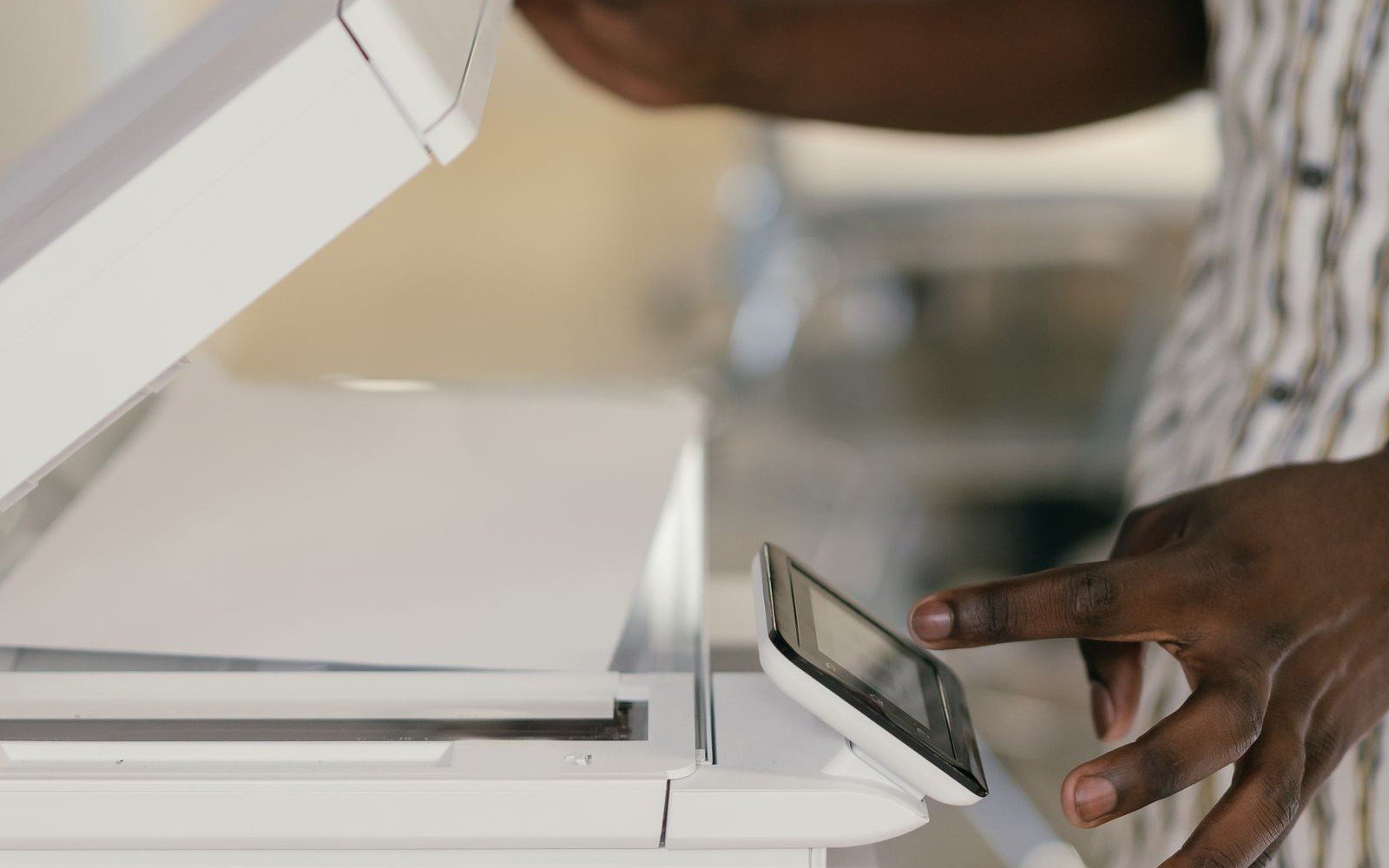
Line network printing up with scanning, copying, and the other document steps around the device.
Check that connectivity, access, and a basic print job behave as intended before handover.
Environments
How people share printers changes with the workplace. The network approach should follow that, not a single office pattern.

Shared printers for administrative teams, meeting areas, and departmental workrooms.

Network printing for administrative and document-heavy healthcare operations.
View industry
Shared campus and office printing for faculty and administrative teams.
View industry
Printers on the network for plant offices and operational documentation.
View industry
Shared printing for store administration and back-office commercial work.
View industry
A consistent way to connect printers when the business operates in more than one place.

Benefits
When printers are connected on purpose, people spend less time hunting for a device and administrators have a more consistent environment to support.
Why Magico
Magico Printing LLC treats network printing as part of the existing IT environment: shared access, device configuration, and the way departments print.
The starting point is how printers should be reached on the network the business already runs.
Who needs which printer is decided before queues are published or settings are changed.
Naming, queues, and device settings follow one approach instead of a different setup on every printer.
The same pattern can cover another printer, team, or location when the environment grows.
Questions
Answers about shared printers, network connectivity, existing devices, and how to start a conversation.
Network printing is shared printing over the business network. People send jobs to a printer they can reach from their computers, instead of depending on a device attached to a single desk. It includes how the printer is connected, how it is named, and who is able to use it.
Without a plan, printers are often added wherever a team needs output that day. Names, access, and settings then differ from one device to the next, and it becomes harder to tell which printer people should use. A planned approach keeps shared printing consistent.
Yes, when the devices and the network can support it. The work starts with the printers already in place and how people reach them today, then looks at what should be shared, renamed, or reconfigured.
Access is part of network printing when it is in scope. That means considering which departments should reach which printers, and how those printers are presented to the people who need them.
Yes. Each location can have its own printers and departments, while the way devices are connected and named stays consistent enough to support. The scope follows the sites that are actually in the project.
No. Network printing is arranged to work with the network and systems the organization already uses. It is not a separate network and it does not require a particular product to be named up front.
There is no single timeline. It depends on how many printers are involved, how they are reached today, how many locations are included, and what access changes are required. A smaller shared-printer setup and a multi-site rollout are different pieces of work.
A list of locations, the departments that print, and whether the printers are already on the network is enough to start. Exact addresses and queue names are helpful when they exist, but they are not required for the first discussion.
Yes. An existing shared-printing setup can be reviewed for naming, access, connectivity, and devices that are hard for people to find or for administrators to support.
Use the inquiry form and note the locations, the kind of shared printing you rely on, and whether this is a new connection or a review of printers already on the network. Go to the contact form.
Related services
Network printing sits alongside infrastructure planning, fleet oversight, managed print, maintenance, and multifunction devices.
01
Plan and deploy printing environments around how the business operates.
Explore Service 03
Oversee devices, usage, and fleet planning from one approach.
Explore Service 04
 05
Preventive maintenance, troubleshooting, and ongoing assistance.
Explore Service 06
Printing, scanning, copying, and document handoff planned around multifunction devices.
Explore ServiceNext step
Whether shared printers are new or already spread across the network, Magico Printing LLC can help you look at access, connectivity, and configuration.