
01
Work Happens at the Facility
Printing is spread across dispatch, docks, and administration. Placement is planned around those desks instead of added one printer at a time.
Industry / Transportation & Logistics
Printing technology for dispatch, terminals, and facility administration.
Magico Printing LLC helps transportation and logistics organizations place shared printers where dispatch, documentation, and facility teams actually work.

Introduction
Logistics work moves quickly, and the paperwork moves with it. Dispatch offices print schedules and instructions, dock and terminal desks handle documentation, and facility administration keeps the site coordinated. Those tasks sit on printers and multifunction devices spread across a yard, a terminal, or more than one facility.
Magico Printing LLC helps transportation organizations treat that environment as printing technology. The work covers where devices should go, how they connect, who should reach them, and how they are supported so operations have a dependable place to print.

The environment
A logistics printing environment is a set of desks, facilities, and document tasks. Dispatch output, dock documentation, network access, scanning, and multi-terminal consistency have to fit together.
Dispatch teams produce schedules, instructions, and internal documents through the day. Planning looks at which shared devices those desks should use.
Documentation often needs to print near the dock or the terminal office, not only at a distant headquarters. The device mix follows those desks.
Staff reach printers over the facility network. Access planning considers which teams and shifts should use which device.
Shipping paperwork and internal packets often need a print, a scan, or a copy before the next handoff. Multifunction devices are planned around that movement.
An organization with more than one facility can keep a consistent approach to devices and settings, while each site keeps the placement its own desks need.
Why it matters
Printing in transportation is spread across dispatch, docks, and offices. An organized environment keeps devices, access, and settings aligned with the way the operation works.
Printing is spread across dispatch, docks, and administration. Placement is planned around those desks instead of added one printer at a time.
A review of what is already installed makes the device mix, the locations, and the queues easier to understand.
People reach the printer that belongs to their desk, over the network, with access that matches how the facility is organized.
Defaults and tray options can be applied with a common approach, so one terminal is not configured differently from the next by accident.
Technical support and maintenance are available when a printer, a queue, or a configuration interrupts daily work.
An operation that expects another terminal can plan the current environment in a way that another site can follow.
Process
Every logistics operation prints differently. This is how Magico Printing LLC moves from the facilities in scope to devices people can use.
Review the locations, the teams that print, and whether the request is a new arrangement or a look at devices already in use.
Look at how teams print, scan, and copy: dispatch offices, dock desks, terminal administration, and any regional offices in scope.
Decide where shared devices should sit and which people should reach them.
Define connectivity, device settings, and the options staff need before anything is changed.
Connect the devices that are in scope, apply the configuration, and confirm that printing, scanning, and copying work for the teams who need them.
Leave the environment in a state the operation can use, with a path for technical assistance when a device needs attention later.
Support
The same technology practice covers the devices a transportation organization uses: shared printers, multifunction equipment, connectivity, and the support that follows.
Printing environments for transportation facilities, arranged around dispatch, documentation, and site administration.
Shared printers connected so authorized staff can reach the device that belongs to their desk.

Print, scan, and copy on devices placed where documentation actually moves.
A practical setup for the schedules and facility documents operations teams produce every day.
Device locations chosen around how each site is organized, rather than wherever a spare printer happens to be.

Troubleshooting and preventive attention for printers and multifunction devices already in daily use.
Settings
The printing environment follows the setting. A single dispatch office and a multi-terminal network share the same kinds of questions, with a different number of facilities.

Shared printing for the teams that release work and coordinate movement.
Devices for the documentation that stays with freight at the facility.

Everyday output for the administrative staff who run a terminal.
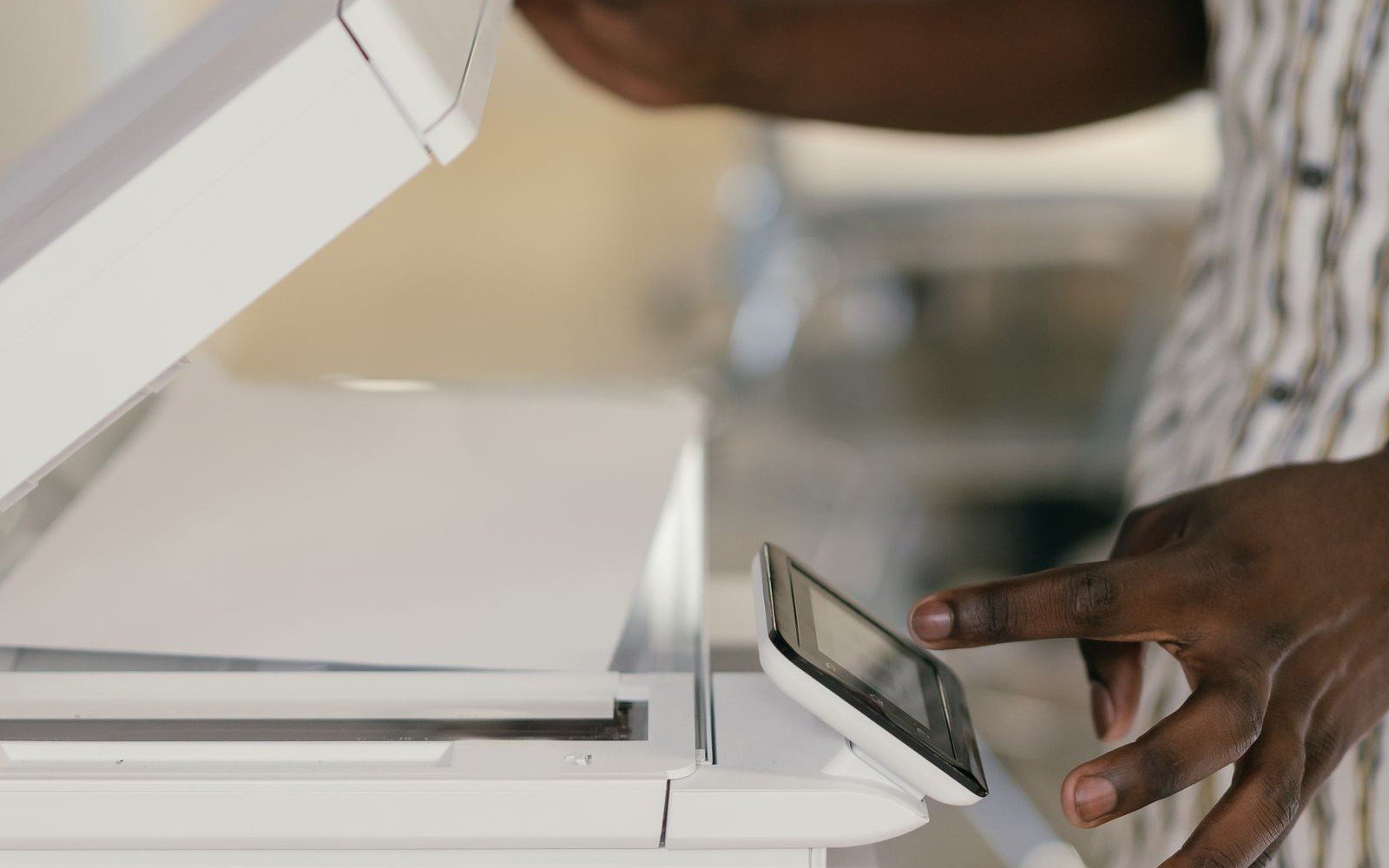
A practical place to print instructions and internal documents near the people who use them.
The same questions of placement and access when a region has more than one site.

One approach to devices and settings when the organization operates more than one facility.

Benefits
The value shows up in daily operations: a device at the desk that needs it, staff who can reach it, and a setup that can be supported while freight is moving.
Why Magico
Magico Printing LLC works on the technology around the devices: how a logistics operation prints, where the equipment lives, and how that environment stays supported.
The conversation starts with the people and the documents those teams handle.
Placement, access, and configuration are decided before another printer is added to a desk or a terminal.
Connectivity, multifunction devices, and the network already in place are part of the same piece of work.
The environment can stay covered with maintenance and technical assistance once people are using it.
Questions
Practical answers about logistics printing environments, existing devices, and how to start a conversation.
Magico Printing LLC helps logistics organizations with the printing environment around daily operations. That includes where shared printers and multifunction devices should sit, how they connect to the network, how they are configured, and how they are supported when something needs attention. The work is printing technology, for dispatch, documentation, and facility administration.
The approach can cover dispatch offices, dock and terminal administration, regional facilities, and organizations with more than one site. The scope follows the facilities and teams that are actually in the conversation.
Yes. Devices already in place can be reviewed before anything new is added. The review looks at where printers sit, who can reach them, how they are connected, and which desks depend on them. From that picture, the organization can decide what to adjust and what to leave as it is.
Yes, when those are part of the environment. Shared network printers, desk multifunction devices, and the settings people use for printing, scanning, and copying can all be included. The work follows the network and the devices the operation already uses.
Magico Printing LLC provides printing technology support. The engagement covers printers, multifunction devices, connectivity, configuration, and technical assistance. Transportation management systems and fleet-tracking platforms are outside that work.
Yes, when those documents are printed or scanned on the devices in scope. Planning covers where that output should happen and how the device is connected. The content of the document stays with the systems the organization already uses.
Yes. An organization with more than one facility can plan a consistent device approach while each site keeps the placement its own desks need. The number of sites and the current device mix determine the scope.
There is no fixed timeline. A single dispatch office reviewing a few shared devices is a different piece of work from a multi-terminal rollout. Duration depends on how many locations are included, how the current environment is arranged, and what configuration is required. A realistic sequence can be discussed once the requirements are understood.
It helps to know which facilities and desks are in scope, and whether the request is a new arrangement or a review of devices already in use. A current device list, if one exists, and a short description of how teams print, scan, and copy are useful. Exact counts are not required to start.
Use the inquiry form on the contact section. Include the locations you have in mind, the teams that depend on printing, and whether you are planning something new or reviewing an existing setup. Go to the contact form.
Related services
Logistics printing draws on the same services Magico Printing LLC provides: infrastructure planning, network printing, fleet oversight, managed print, maintenance, and multifunction devices.
01
Plan and deploy printing environments around how the business operates.
Explore Service
02
Connect and configure printers for dependable shared access.
Explore Service
03
Oversee devices, usage, and fleet planning from one approach.
Explore Service 04
05
Preventive maintenance, troubleshooting, and ongoing assistance.
Explore Service
06
Printing, scanning, copying, and document handoff planned around multifunction devices.
Explore ServiceNext step
Whether you are opening a terminal, adding a facility, or reviewing the printers an operation already uses, Magico Printing LLC can help you explore a structured approach.